Pixelate Image Online
Create mosaic effects, pixel art aesthetics, and privacy-safe censoring on any image. Free, instant, server-side processing. No signup required.
Pixelation is a deliberate visual technique with many applications: anonymizing faces in screenshots, recreating retro 8-bit aesthetics, or creating mosaic art. Whether you need to pixelate an image online for privacy or creativity, this tool handles it server-side for consistent results on any device. For the full suite of degradation effects including noise and JPEG artifacts, see the low quality image maker.
Drag your image here or click to select
PNG, JPG, JPEG or WEBP (max. 10MB)
🟦 Pixelation Settings Guide
- Pixel Art / Retro Game Look: Pixelation 16x–20x · JPEG Quality 80% · Noise 0%
- Mosaic / Censor Effect: Pixelation 14x–18x · JPEG Quality 90% · Noise 0%
- Subtle Artistic Texture: Pixelation 4x · JPEG Quality 70% · Noise 10%
- Face Anonymization: Pixelation 16x+ makes faces unreadable while keeping the shape visible
- Pro tip: Keep noise and blur at 0 for censoring or pixel art — extra effects make the mosaic look messy.
How Pixelation Works
Pixelation divides your image into small square regions and replaces every pixel in each region with the average color of that region. At 2x, blocks are 2×2 pixels — barely visible. At 20x, each colored tile covers 20×20 pixels, creating large visible blocks. This server-side implementation produces consistent results regardless of browser or device.
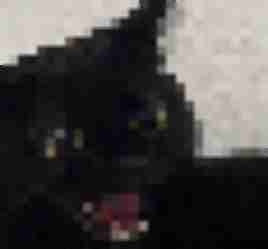
High pixelation (16x) creates a clear mosaic or pixel art effect
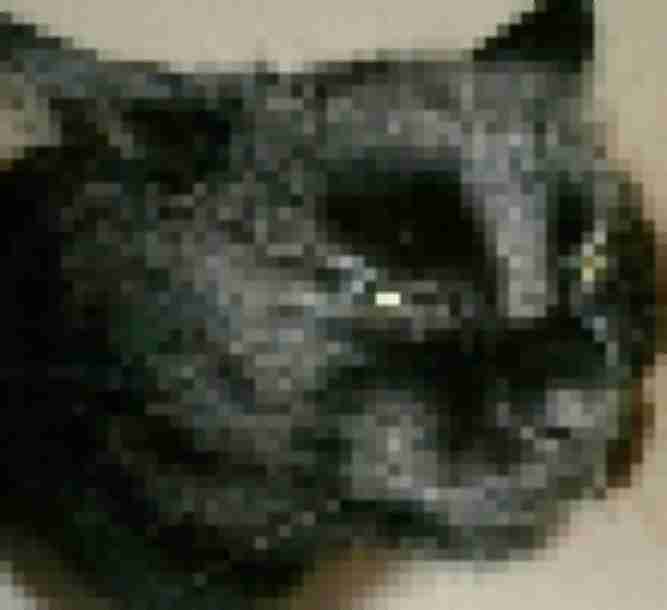
Pixelation is widely used for privacy censoring in screenshots and videos
Use Cases for Online Pixelation
Privacy and censoring: Pixelation makes faces, license plates, and phone numbers unreadable while showing that something was there — unlike a black bar that removes context entirely. Used by content creators, journalists, and everyday users sharing screenshots with private information.
Pixel art and retro aesthetics: Pixelate a photograph at 16x–20x with high JPEG quality to get something resembling 8-bit or 16-bit game graphics. Used in fan art, game design mockups, and nostalgic social media content.
Meme and internet culture: Pixelation combined with JPEG compression creates the deep fried meme look — the "forwarded 50 times on WhatsApp" photo aesthetic. For that combined look, use the full low quality image maker.
Pixelation vs Other Effects
Pixelation is a spatial effect — it doesn't change colors or add noise by itself. Combine it with JPEG compression for the classic meme look, or keep it clean for pixel art and censoring. For specifically adding compression artifacts, try the JPEG artifacts generator. For general quality reduction, see make image low quality.
When NOT to use pixelation
Pixelation is not a secure anonymization method for sensitive legal content — use proper redaction tools for official purposes. Also, don't use it for web image optimization; it may actually increase file size. Use a real image optimizer for compression.
Frequently Asked Questions
How do I pixelate an image online?
Upload your image, use the Pixelation slider to choose block size (2x–20x), and click Process. Download the result instantly — no account needed.
Can I use this to censor faces?
Yes. A pixelation level of 14x or higher makes faces and text unrecognizable. Keep noise and blur at 0 for a clean mosaic censor.
Is pixelation reversible?
No. Once an image is pixelated and saved, the original detail is gone from that file. Always keep a copy of your original.
What level should I use for pixel art?
16x–20x with high JPEG quality (80%+) and no noise produces the cleanest pixel art/retro game look.
Is this free?
Yes, completely free. No registration, no watermarks. Use as many times as you like.